Deadbolt Locks: Installation, Security Features, and the Smart vs. Traditional Decision
How Do You Ensure Proper Installation and Fit for a Door Deadbolt Lock?
The installation requirements
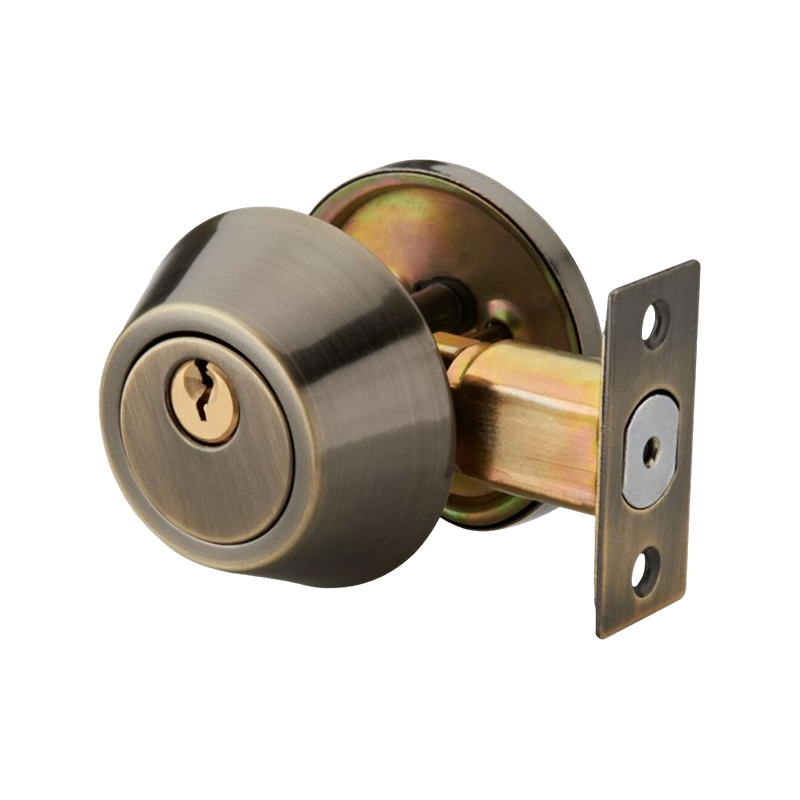
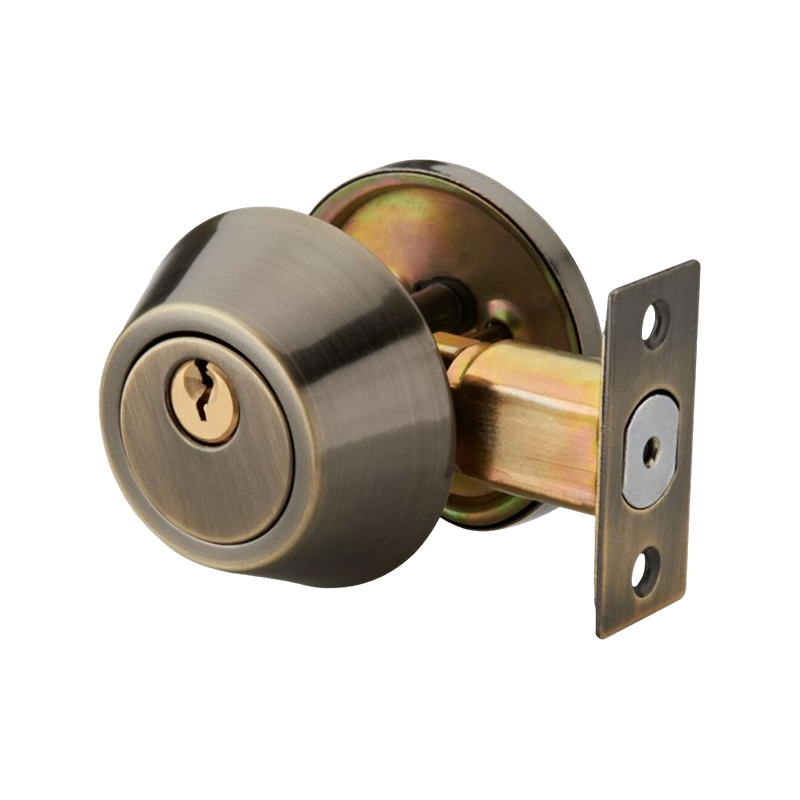
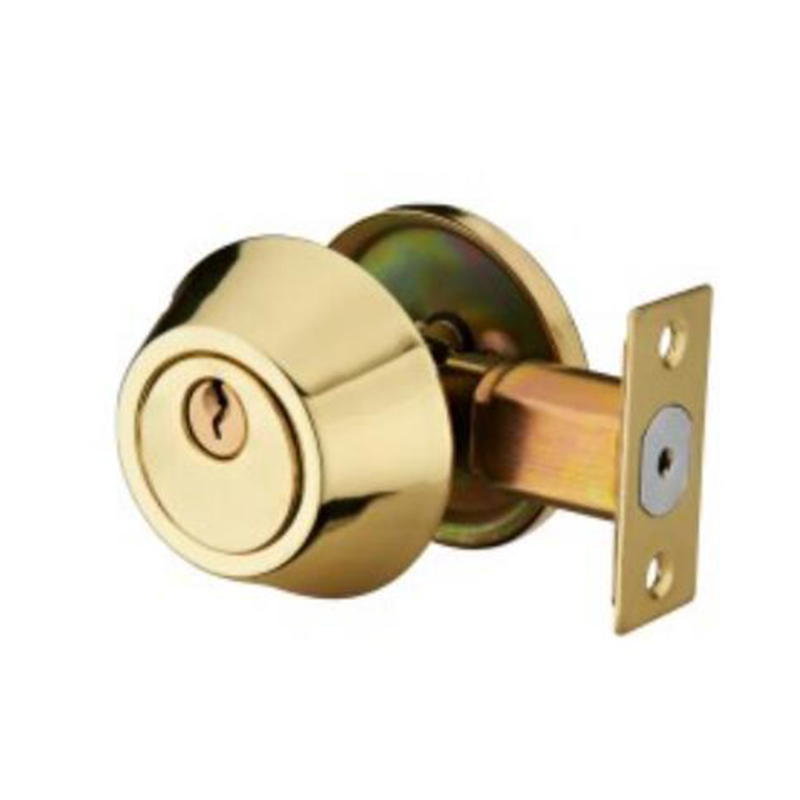
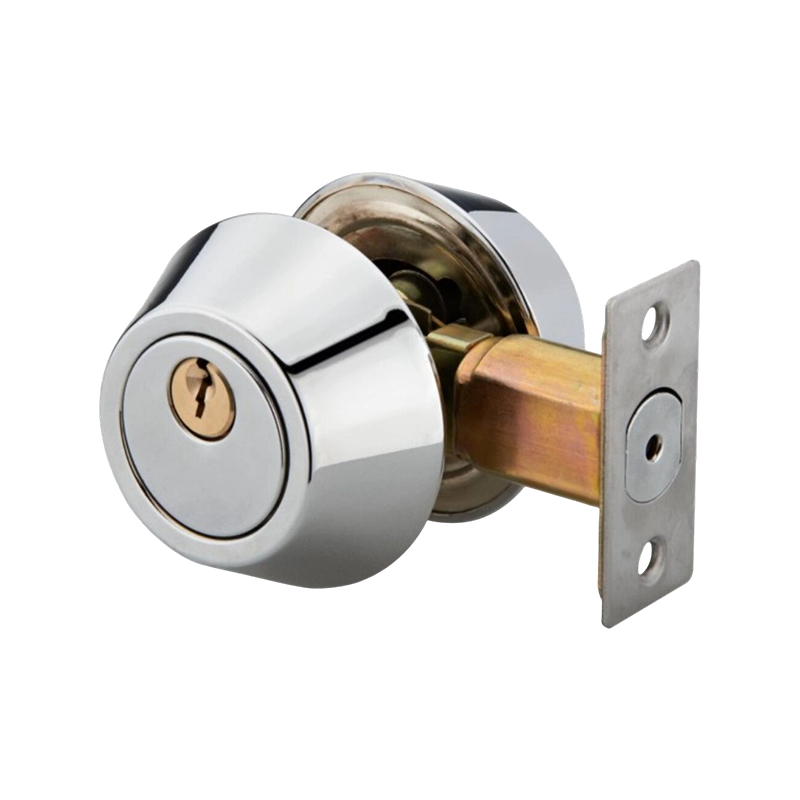
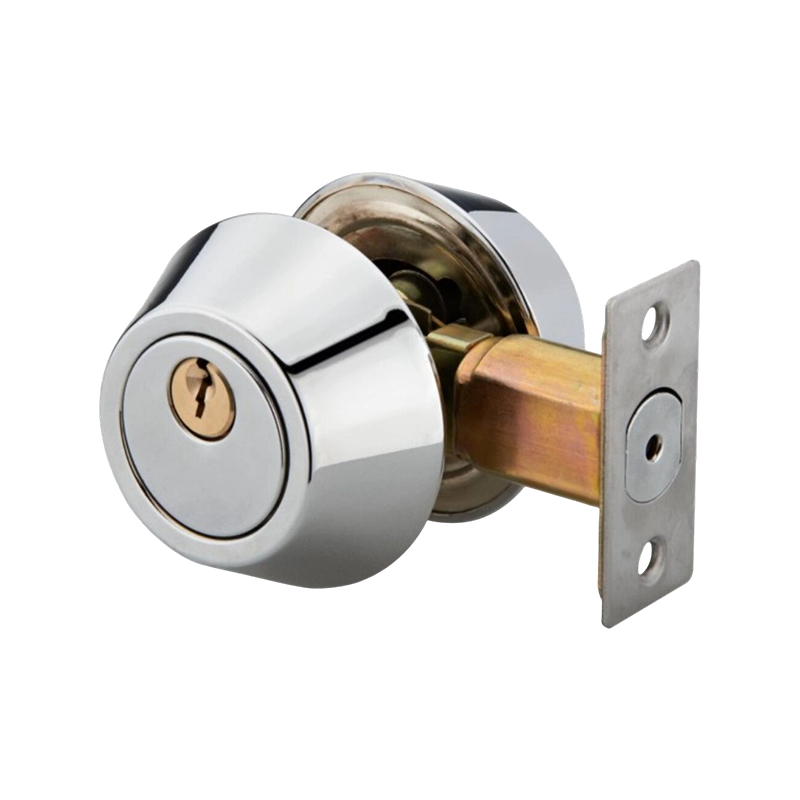
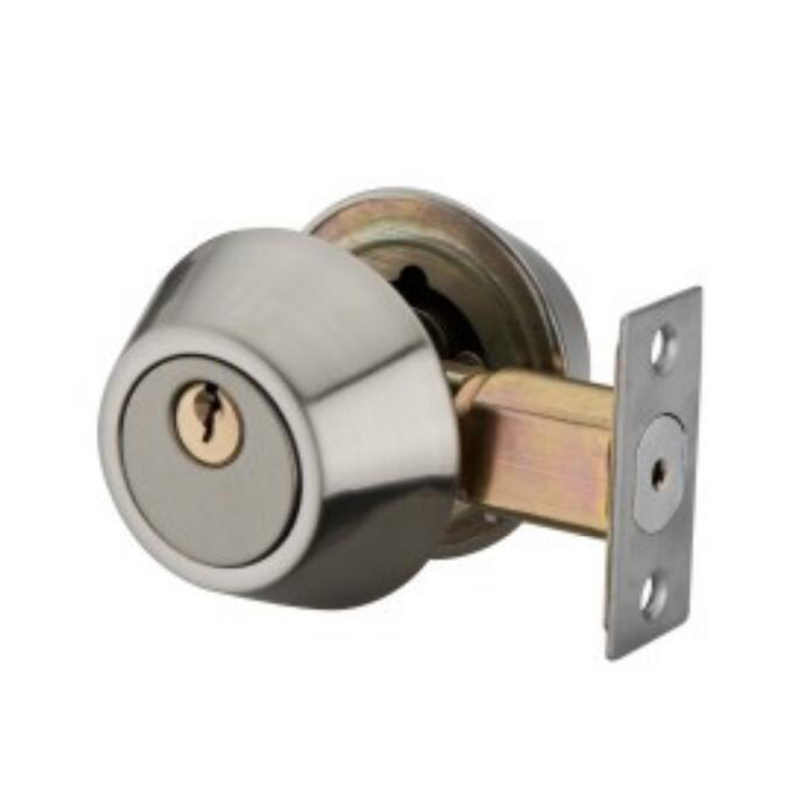
A deadbolt lock is only as secure as its installation. A poorly installed deadbolt can be easily defeated, while a properly installed one provides maximum security. How you ensure proper installation and fit for a door deadbolt lock involves measuring, marking, drilling, and aligning with precision.
Critical installation steps
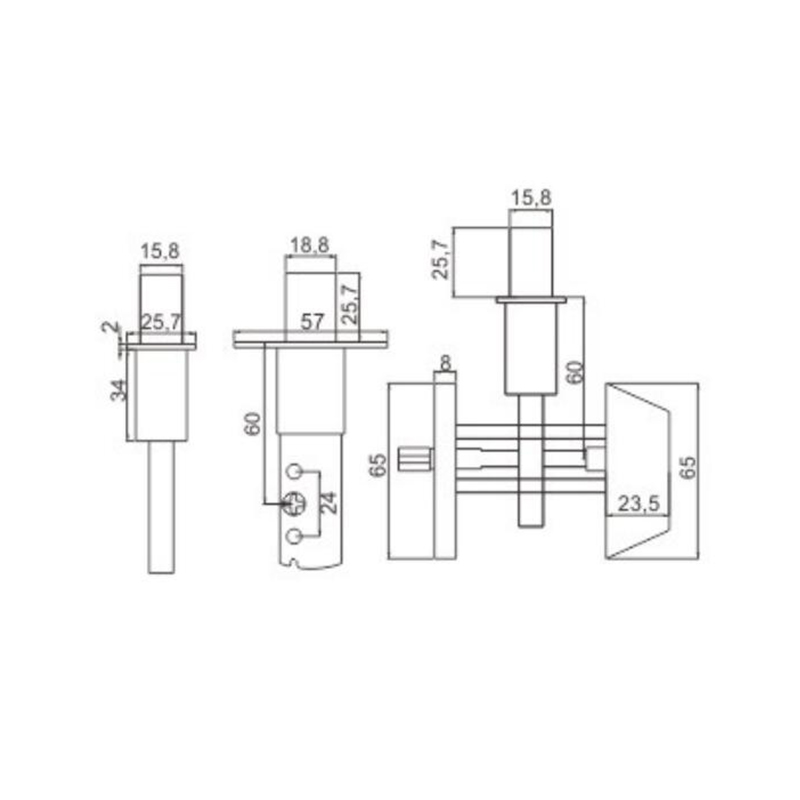
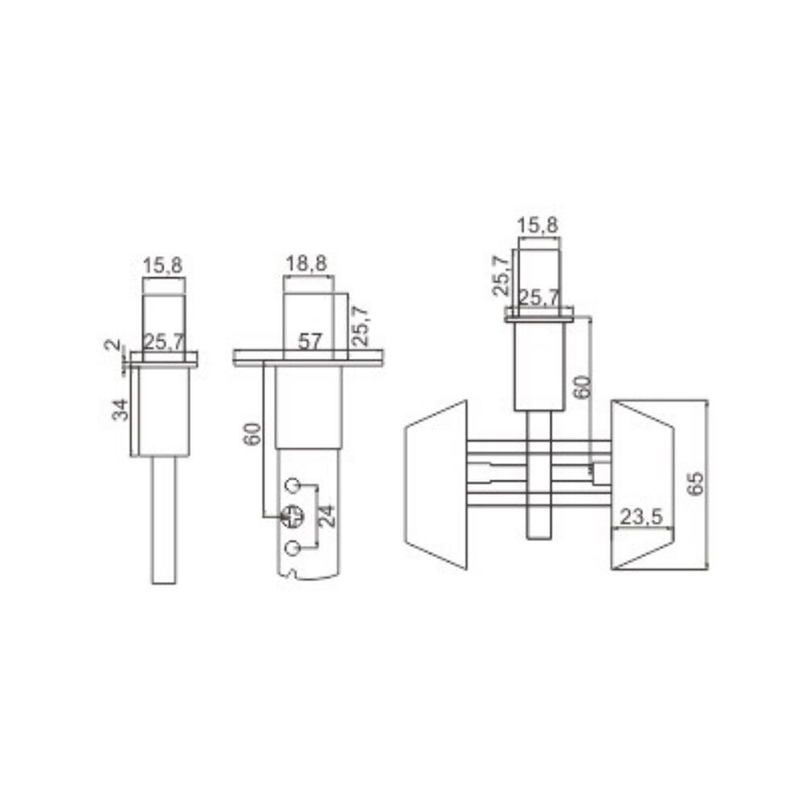
The first step is confirming the backset—the distance from the door edge to the center of the bore hole. Standard residential backsets are 2-3/8 or 2-3/4 inches. The deadbolt must match this dimension. The second step is verifying door thickness—most deadbolts fit 1-3/8 to 1-3/4 inch doors. The third step is the bore hole size—2-1/8 inches is standard for most deadbolts. The fourth step is the latch hole—drilled into the door edge at the center of the bore hole. The fifth step is strike plate installation on the door frame—the strike plate must be aligned with the latch and secured with 3-inch screws that penetrate the framing for maximum security.
Ensuring proper alignment
After installation, test the deadbolt operation. The latch must extend fully into the strike plate hole without binding. Misalignment causes the deadbolt to stick or fail to lock completely—a security risk. Adjust the strike plate position if needed. The door should close smoothly and the deadbolt should engage with minimal resistance.
Table: deadbolt installation checklist
|
Installation Step
|
What to Measure/Check
|
Common Issue
|
Solution
|
|
Backset
|
Distance from door edge to bore hole center (2-3/8 or 2-3/4 inch)
|
Mismatch between lock and door
|
Use adjustable deadbolt or measure before purchase
|
|
Door thickness
|
Measure thickness (standard 1-3/8 to 1-3/4 inch)
|
Thinner or thicker door
|
Use spacer rings or longer screws
|
|
Bore hole diameter
|
Standard 2-1/8 inch (54 mm)
|
Hole too small
|
Enlarge with hole saw
|
|
Latch hole depth
|
Must be deep enough for latch bolt
|
Hole too shallow
|
Extend depth with drill
|
|
Strike plate alignment
|
Latch aligns with strike plate opening
|
Binding or failure to lock
|
Adjust strike plate position or enlarge opening
|
|
Screw length
|
3-inch screws into door frame for strike plate
|
Short screws (provided)
|
Replace with 3-inch screws for security
|
|
Operation check
|
Deadbolt engages smoothly
|
Sticking, difficult operation
|
Check alignment; lubricate if needed
|
What Are the Physical Design Features of a Security Deadbolt Lock That Prevent Prying and Drilling?
The security features of a deadbolt
A deadbolt lock is designed to resist forced entry. The physical design features of a security deadbolt lock that prevent prying and drilling include hardened steel bolts, anti-drill plates, anti-pick pins, and reinforced strike plates.
Anti-pry features
The primary anti-pry feature is the deadbolt itself—a solid steel bolt that extends into the door frame, providing resistance to forced entry. The bolt should have at least a 1-inch throw, the standard for most residential deadbolts. Some security deadbolts extend 1-1/2 inches, providing even greater resistance. The bolt should be made of hardened steel, making it difficult to saw through. The strike plate must be reinforced with longer screws that penetrate the framing—at least 3 inches into the door frame studs. This prevents the door frame from splintering under pressure.
Anti-drill features
Anti-drill features include hardened steel inserts or plates that protect the lock cylinder from drilling attacks. The cylinder itself should have anti-drill pins or a rotating hardened steel ring that spins if drilled, preventing the drill bit from engaging. Some security deadbolts include a free-spinning cylinder guard that rotates when a drill bit contacts it. The screw caps are also hardened, preventing removal by drilling.
security deadbolt features
- Hardened steel bolt: resists sawing and cutting; prevents bolt being cut through
- 1-inch or longer throw: prevents prying the bolt from the frame; standard residential
- Anti-drill plate: resists drilling attack on cylinder; hardened steel insert
- Free-spinning cylinder guard: spins when drilled; prevents drill bit engagement
- Reinforced strike plate: prevents frame splitting under pressure; 3-inch screws required
- Anti-pick pins: resists lock picking; specialized pin design
When Purchasing a Residential Deadbolt Lock, How Do You Choose Between a Smart Deadbolt and a Traditional One?
The choice between smart and traditional deadbolts
Homeowners today face a choice between traditional deadbolts that have served for generations and smart deadbolts that offer modern connectivity. When purchasing a residential deadbolt lock, how you choose between a smart deadbolt and a traditional one depends on your lifestyle, security priorities, and comfort with technology.
The value of traditional deadbolts
Traditional deadbolts are simple, reliable, and require no ongoing maintenance. They are powered by a key, so there is no battery to replace or Wi-Fi network to maintain. They are generally less expensive than smart deadbolts, often 50–60 percent of the cost. They are universally understood—no training required for family members or guests. They provide high security when properly installed with a Grade 1 or Grade 2 rating. The lack of electronics also means there are no potential technical failures—the lock always works.
The value of smart deadbolts
Smart deadbolts offer convenience that traditional locks cannot match. Keyless entry via keypad, fingerprint, or smartphone eliminates the need for physical keys—no more lost keys or locked-out situations. Remote access allows you to lock or unlock the door from anywhere, and you can grant temporary access to guests or service providers. Activity logs track who entered and when, providing security visibility. Integration with home automation systems allows the deadbolt to work with smart lighting and security cameras.
smart deadbolt versus traditional deadbolt
- Traditional deadbolt: lower cost, simple, reliable, no ongoing maintenance, no technical failure risk, requires physical key, no remote access, no activity logging, no smart integration
- Smart deadbolt: higher cost, requires battery replacement, potential technical issues, keyless entry, remote access, activity logging, smart home integration, temporary access codes
FAQ
Q1: What is the standard size for a deadbolt bore hole?
The standard bore hole for a residential deadbolt is 2-1/8 inches (54 mm) in diameter. The latch hole (on the door edge) should be 1 inch in diameter. Always confirm the bore hole size before purchasing a deadbolt.
Q2: Can I install a deadbolt on a door that already has a knob lock?
Yes, most doors with a knob lock can have a deadbolt installed above it. The bore hole for the deadbolt should be at least 5-1/2 inches above the center of the knob lock to ensure adequate clearance. The installation process is the same as installing a deadbolt on a new door.
Q3: Which is more secure, a smart deadbolt or a traditional deadbolt?
Both can provide high security. The physical security of the lock—the bolt, strike plate, and cylinder—is more important than the access method. A Grade 1 smart deadbolt with a hardened steel bolt is as secure as a Grade 1 traditional deadbolt. The difference is in convenience and features, not necessarily physical security.
Q4: What is the ideal deadbolt throw length?
A 1-inch throw is the standard for most residential deadbolts and provides adequate security. Some high-security deadbolts offer a 1-1/2 inch throw, providing even greater resistance to prying. The longer throw requires a deeper strike plate hole but is a worthwhile upgrade for added security.
Q5: How do I maintain a deadbolt lock?
For traditional deadbolts, lubricate the bolt and cylinder with a dry lubricant (graphite or Teflon-based) annually. Clean the keyway with compressed air. Check and tighten strike plate screws periodically. For smart deadbolts, replace batteries annually or when prompted, keep the keypad clean, and update firmware as recommended.

 English
 русский
 中文简体
中文简体 Español
 عربى
عربى